Hotel Photography Upload Guide
For Marriott, Hilton, and IHG Brand Websites
This page provides the image descriptions and metadata required to upload your new hotel photography into your brand’s photo management system.
Each photo in the gallery below includes the fields required by most hotel asset systems, including:
Marriott Digital Asset Center (DAC)
Hilton Digital Asset Management (DAM)
IHG Concerto / Asset Library
Your team can simply copy and paste the information beneath each image into the corresponding fields during upload.
This guide is designed to be easy to follow, printable as a PDF, and usable by property leadership, marketing teams, or brand managers responsible for website updates.
How to Use This Page
Step 1 — Review the Image Gallery
Scroll through the gallery below to review the final approved photography for your property.
Each image includes the metadata required for brand website uploads.
Step 2 — Copy the Required Fields
Under each image you will see the following information:
Original Filename
The original image file delivered with your photography package.
File Name
The short system name used by many hotel asset libraries.
Caption
A brief description of the image (5 words or fewer).
Marketing Caption
A guest-friendly sentence describing the space.
Alternate Tag
Accessibility text used for screen readers and SEO.
Keywords
Search terms used by brand systems to categorize images.
Simply copy and paste these fields into the matching fields within your brand’s image uploader.
Tips for Brand Upload Systems
Marriott Digital Asset Center (DAC)
Upload images at minimum 4000 × 2667 pixels
File names should be short and descriptive
Captions should be short descriptions, not sentences
Hilton Asset Management
Use the Marketing Caption for guest-facing descriptions
Add keywords to improve search visibility within the DAM
IHG Asset Library
Ensure image orientation and filenames match the upload fields
Copy keywords exactly as provided
Printing This Guide
This page can be printed or saved as a PDF to share with internal teams responsible for uploading images.
Recommended use:
Open the page
Print to PDF
Share alongside your photography files
This allows your team to reference the metadata while completing the upload process.
Image Gallery
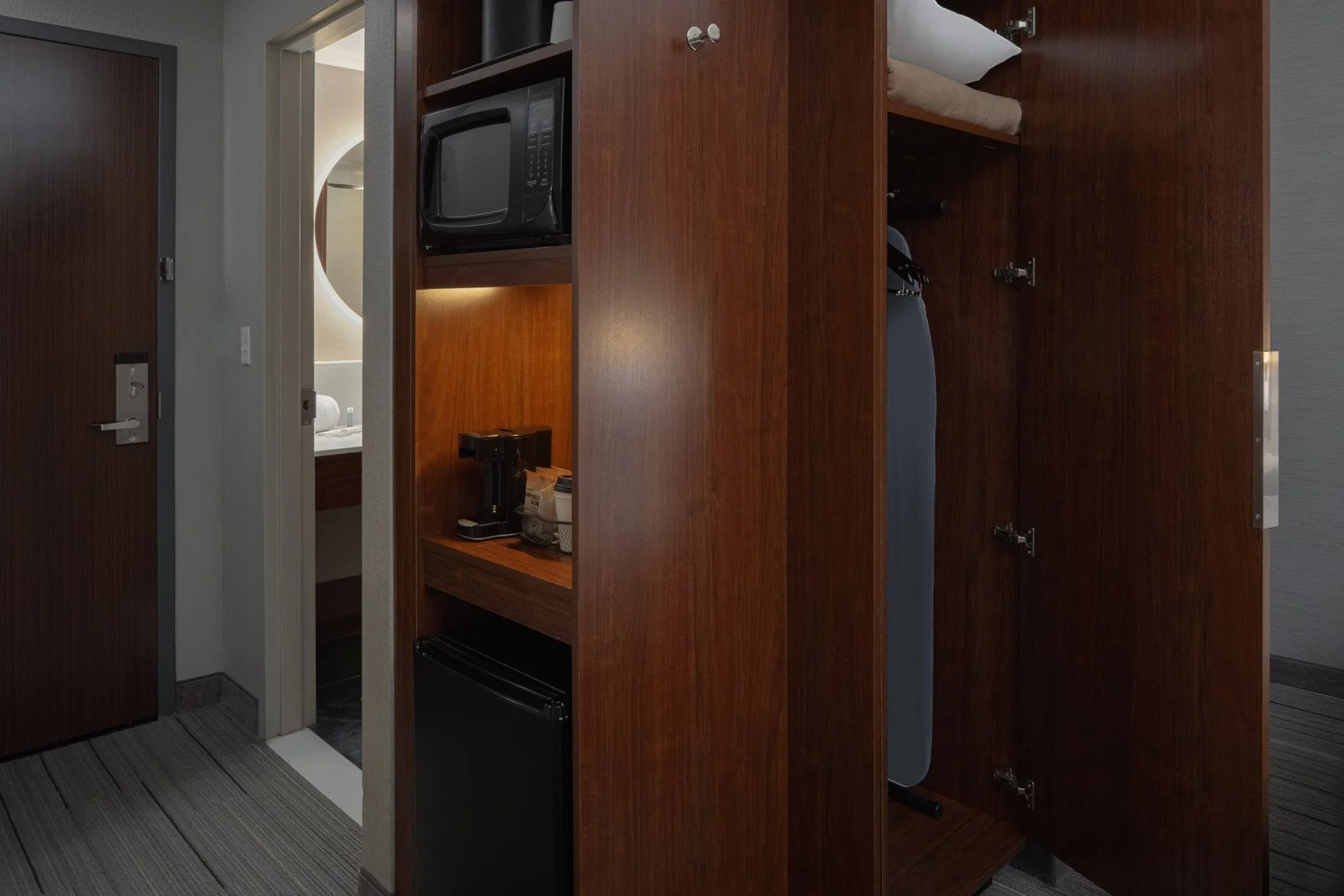
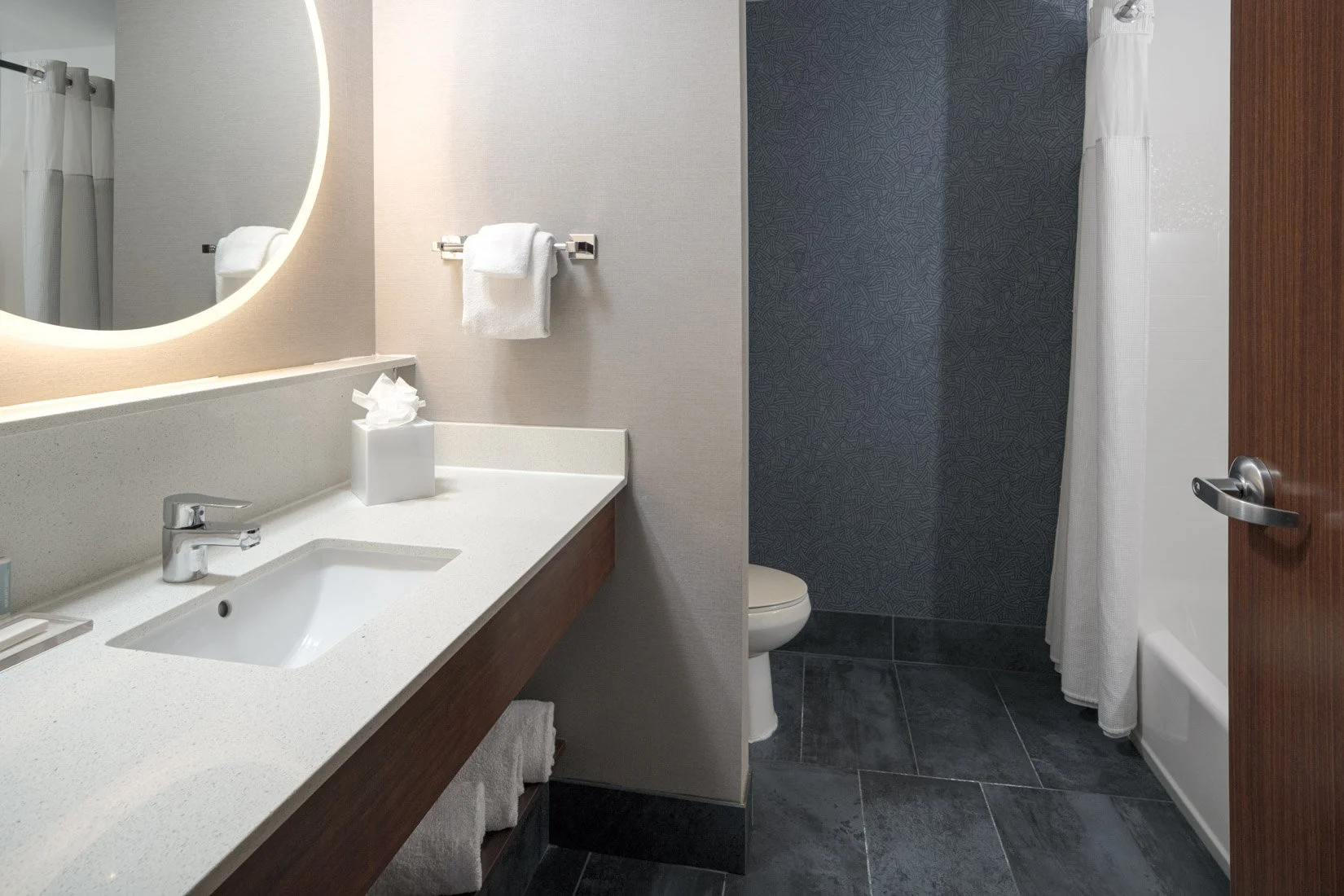
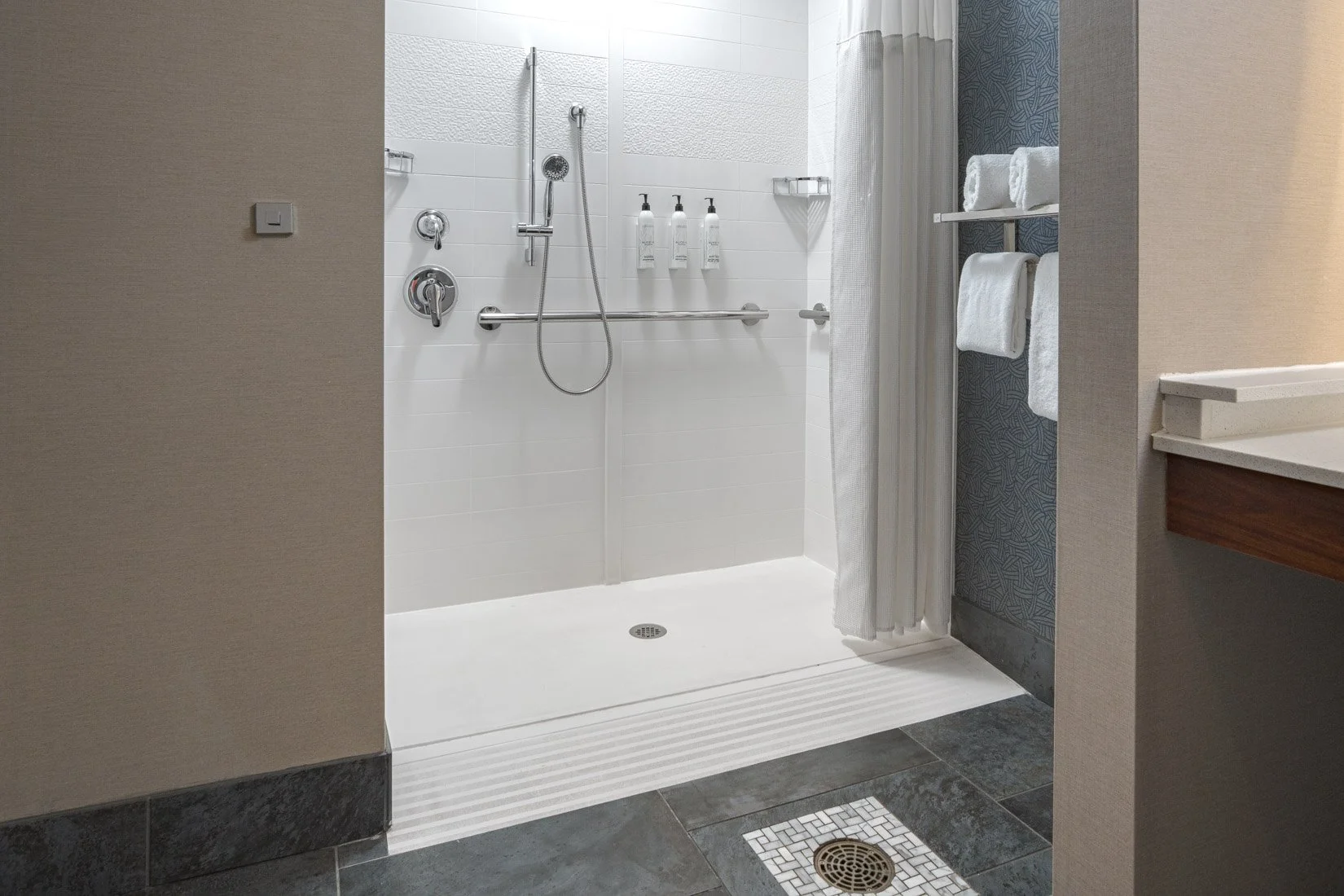
Scroll below to view the photography and copy the required metadata for each image.
TIP: Open your brand's image uploader in another tab. Then copy and paste the fields below each image during upload.