
Photography Upload Guide
This page is prepared to help your team complete the property-side image upload for your brand website gallery.
Use the recommendations below to guide hero image, carousel, and gallery placement decisions. Then use the image metadata section to copy the prepared fields into MDAC.
For Marriott properties, this upload process takes place through the Marriott Digital Asset Center, referred to here as MDAC.
How to Use This Page
Use this page in two passes:
1. Review the hero and carousel recommendations.
2. Work through the Image Metadata section one image at a time inside MDAC.
For each image, match the asset by its ORIGINAL FILENAME, then copy or reference the prepared fields beneath that image.
Fields that say “Search in DAC for:” are dropdown/search selections inside MDAC. Fields that say “Property to verify” or “Property to select” require confirmation inside Marriott systems.
Before submitting the assets for approval, please reach out if anything does not appear to match.
Recommended Gallery Strategy
This image set provides strong coverage of arrival, lobby spaces, breakfast and dining, meeting facilities, recreation, and outdoor amenities. Guest room photography was not included, so the recommended carousel sequences use the indoor pool as the third image rather than a guest room. Add current room imagery to the early booking-path sequence when it becomes available.
Competitive Search Carousel
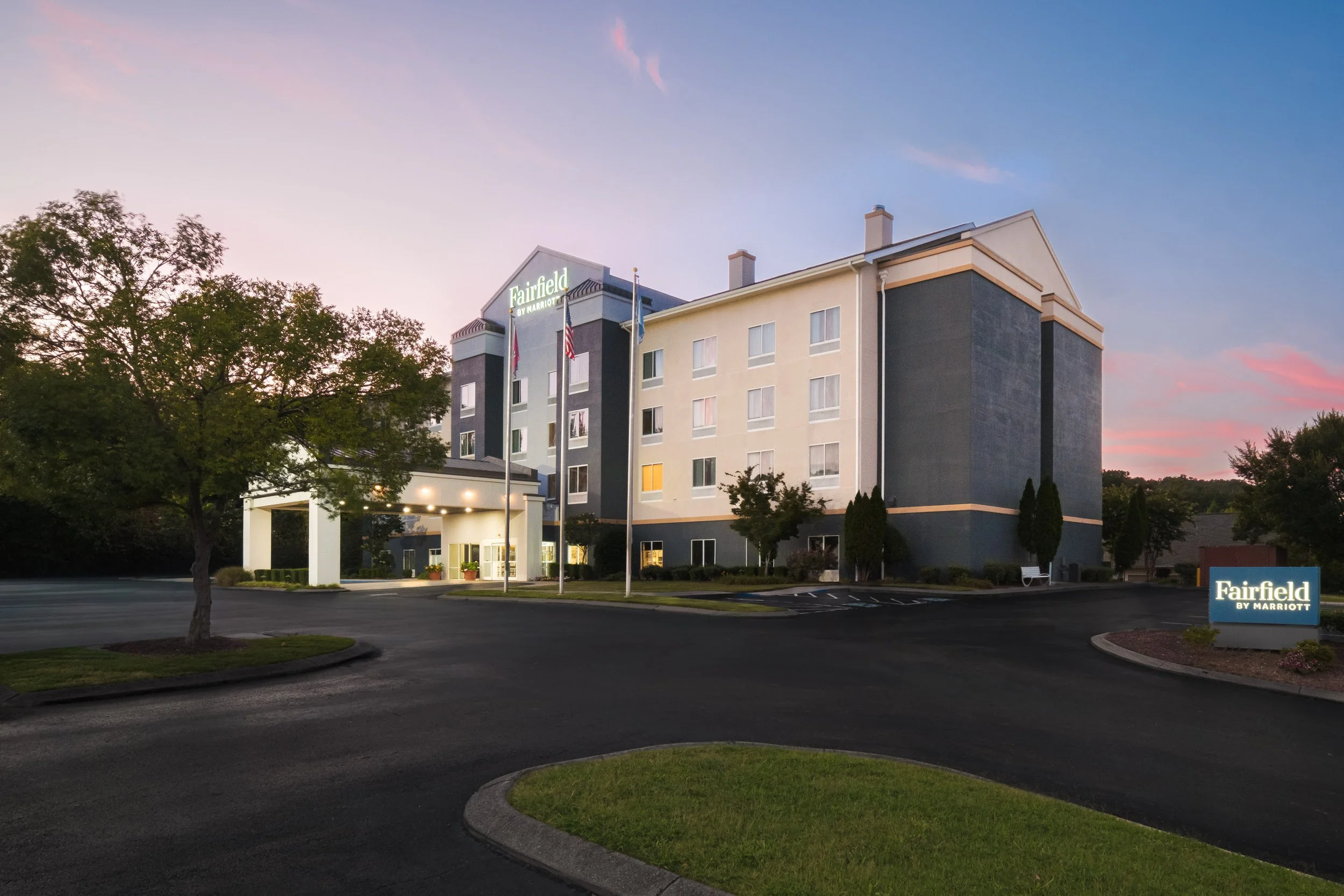
Lead with the dusk exterior, then move quickly into the strongest lobby, recreation, outdoor atmosphere, and dining images. This sequence gives guests a varied overview without placing business, fitness, market, or meeting-support imagery too early.
Hotel Website Overview Carousel
Use the broader overview sequence to show arrival, public spaces, recreation, dining, breakfast, outdoor amenities, and meeting capabilities. Keep the market, business center, classroom setup, and fitness center as supporting gallery images rather than early carousel selections.
Page-Specific Hero Images
Overview Page Hero
CHACL_1_Fairfield_exterior_dusk.jpg
Use this image to lead with the strongest arrival view, illuminated signage, and a welcoming dusk atmosphere.
Dining Page Hero
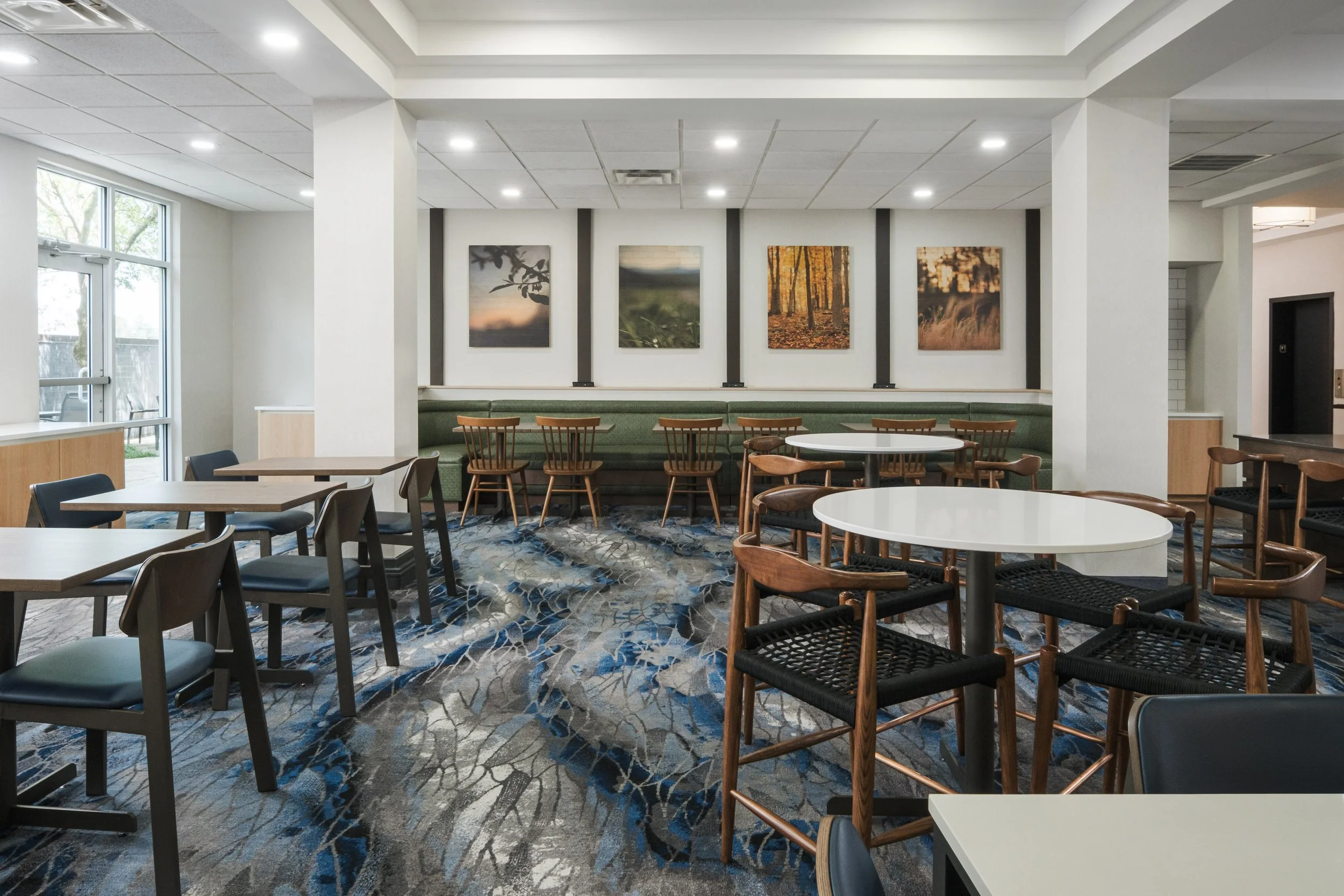
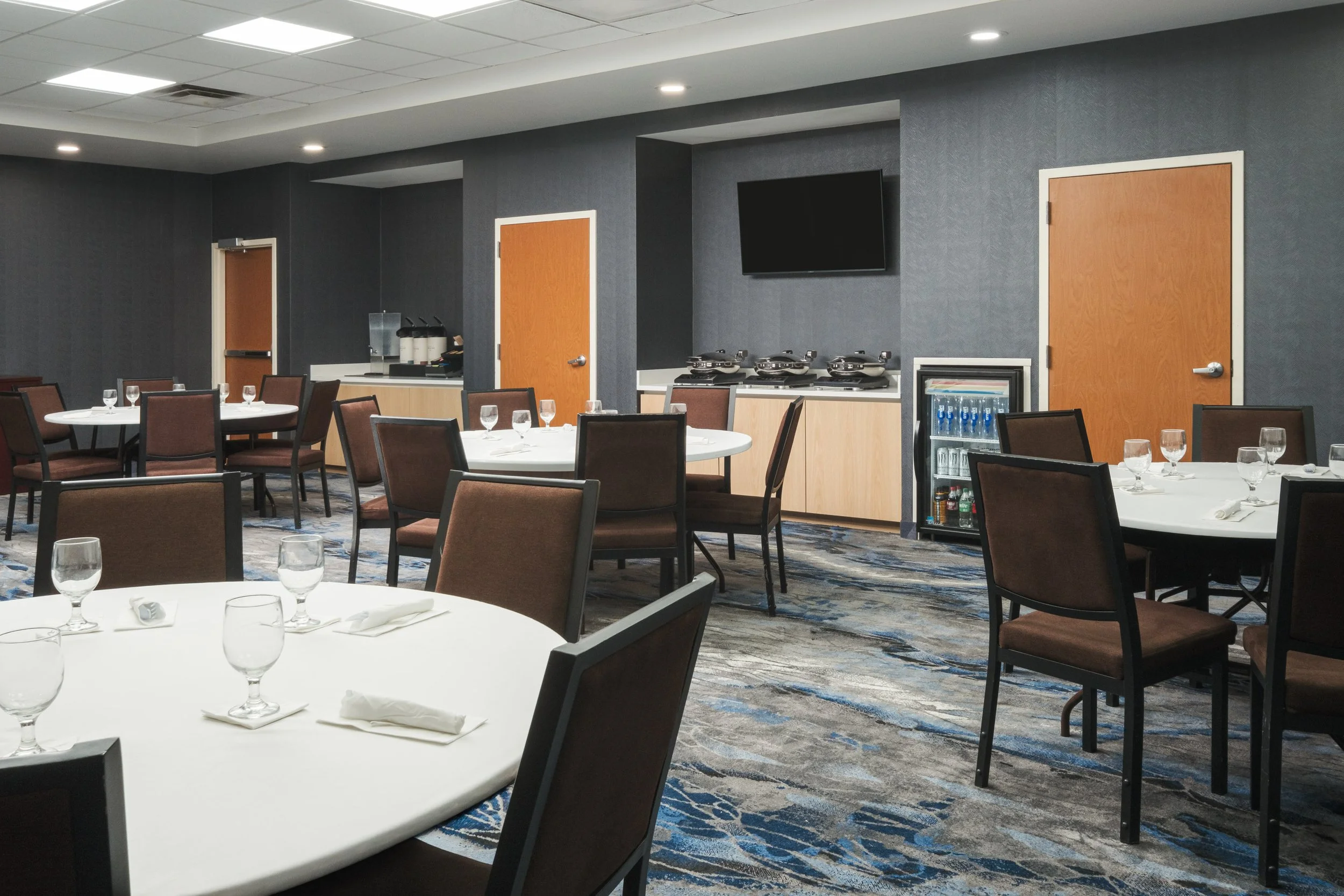
CHACL_8_Fairfield_diningroom.jpg
Use this wide image to introduce the dining space with varied seating, banquette seating, and natural light.
Experiences / Amenities Page Hero
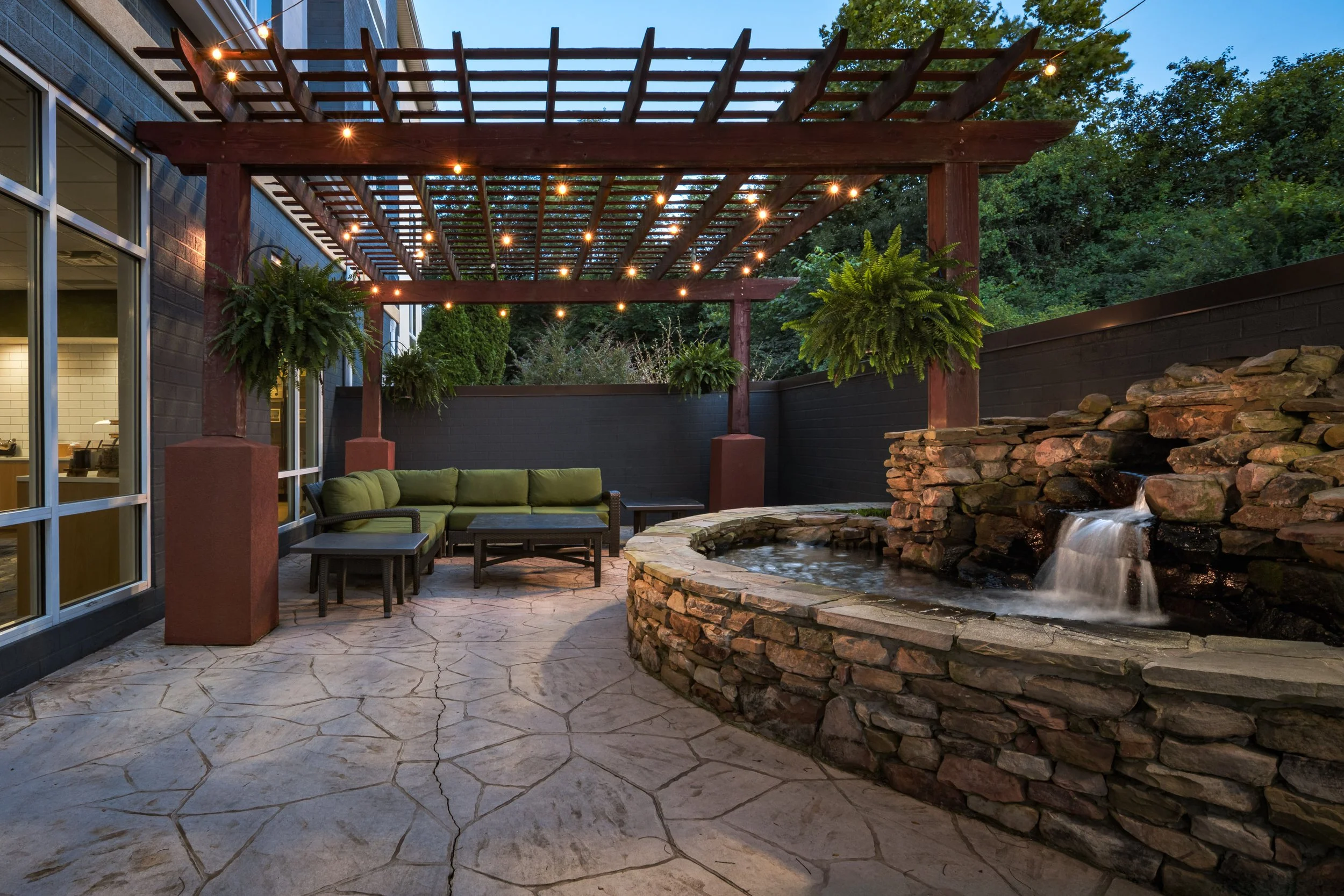
CHACL_15_Fairfield_outdoorseating_koipond.jpg
Use this image to highlight the distinctive outdoor patio, pergola seating, string lights, and koi pond.
Events Page Hero
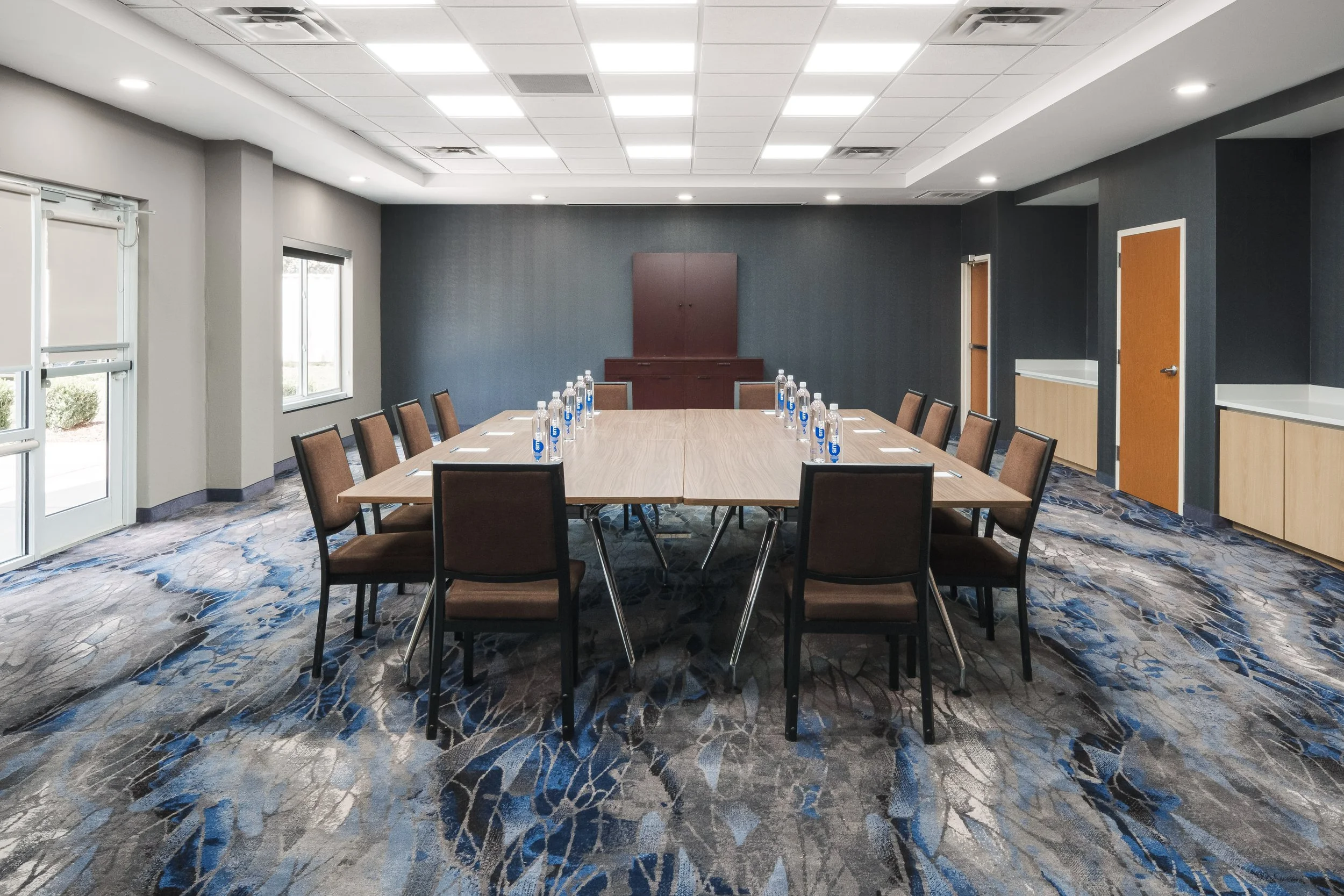
CHACL_11_Fairfield_conference_meetingtable.jpg
Use this centered boardroom setup to present the meeting space clearly and professionally.
Gallery Category Placement Notes
Exterior:
CHACL_1_Fairfield_exterior_dusk.jpg
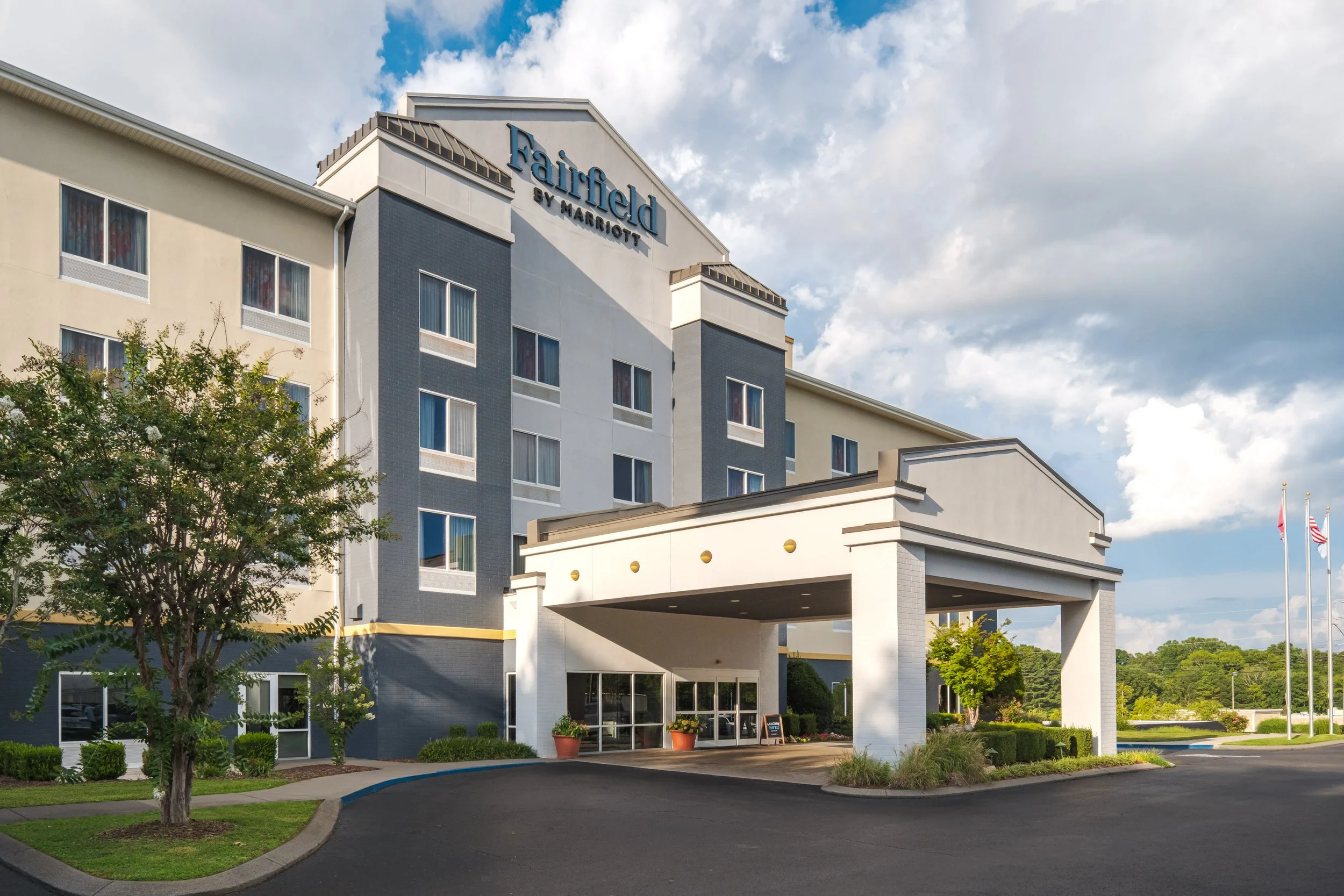
CHACL_2_Fairfield_exterior_day.jpg
Lobby / Public Spaces:
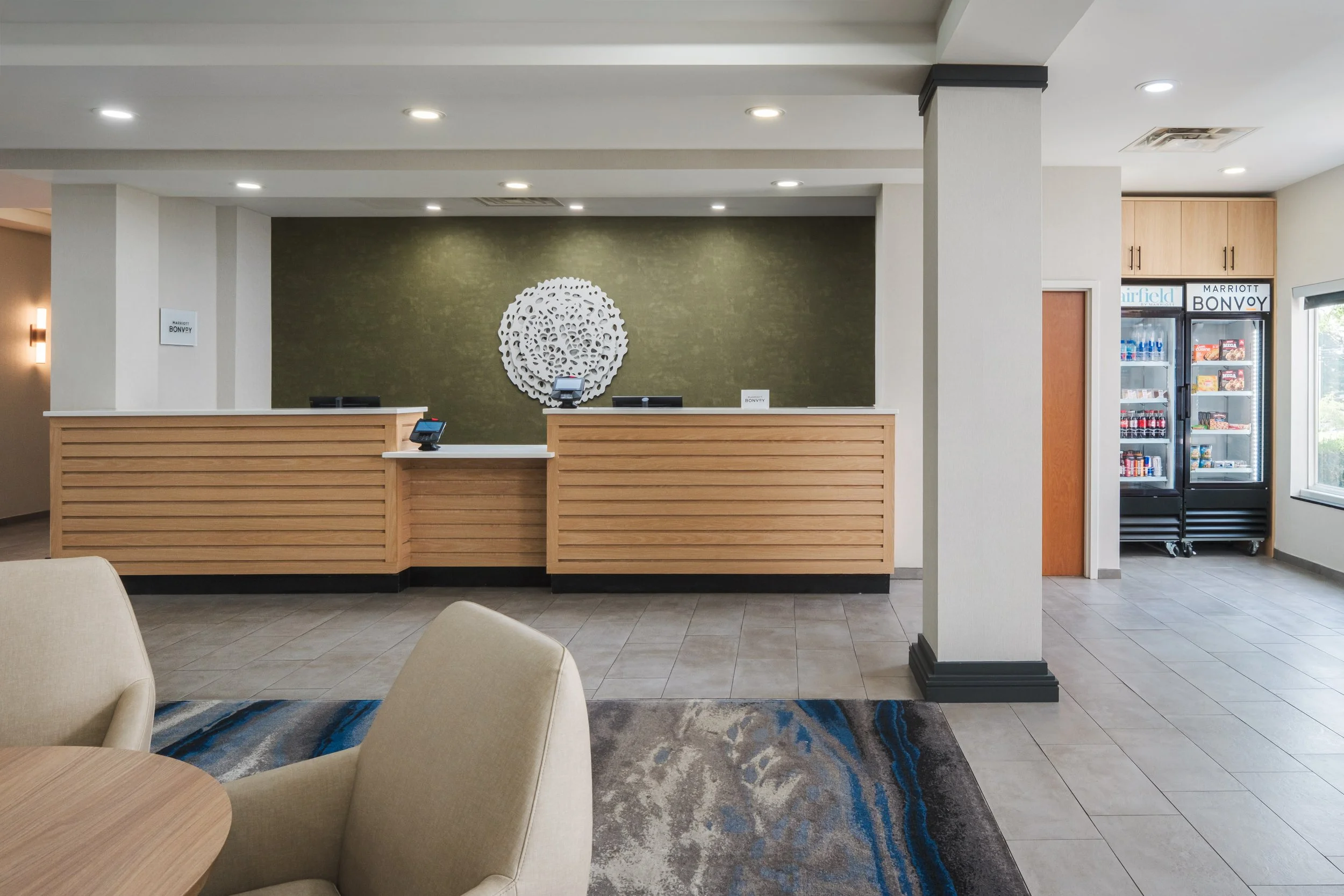
CHACL_3_Fairfield_frontdesk.jpg
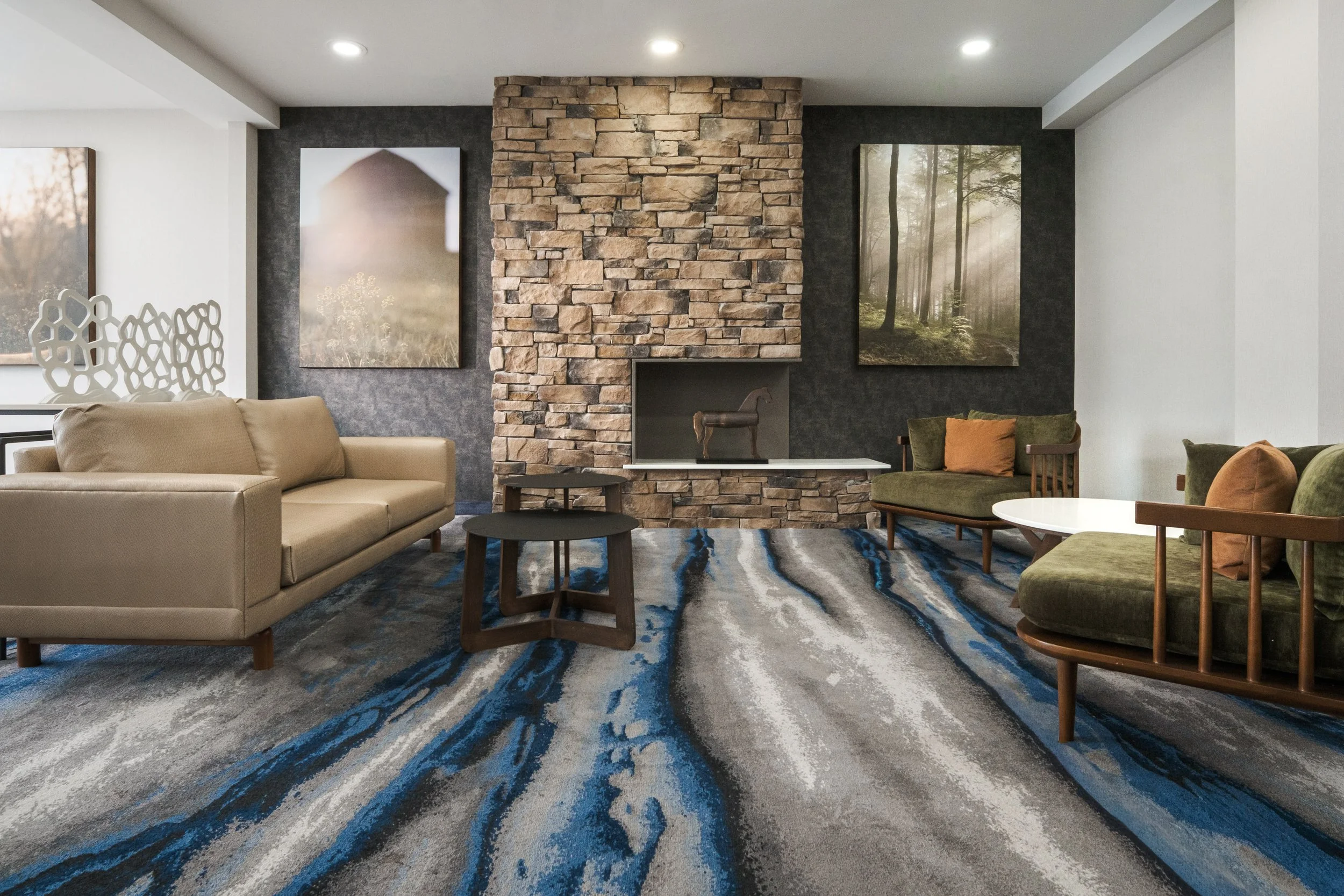
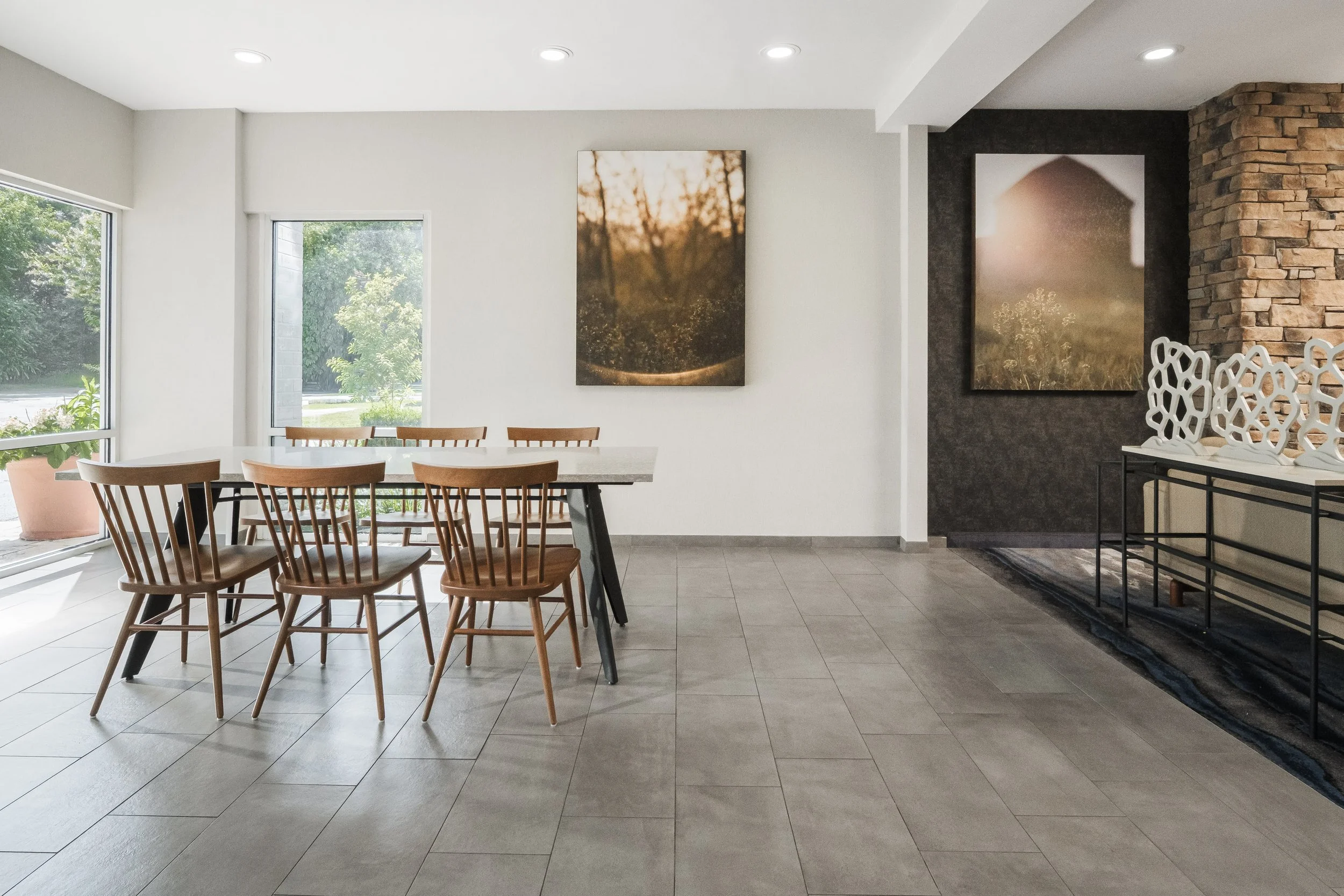
CHACL_5_Fairfield_lobbyseating.jpg
CHACL_6_Fairfield_lobbyseating_table.jpg
Market / Features:
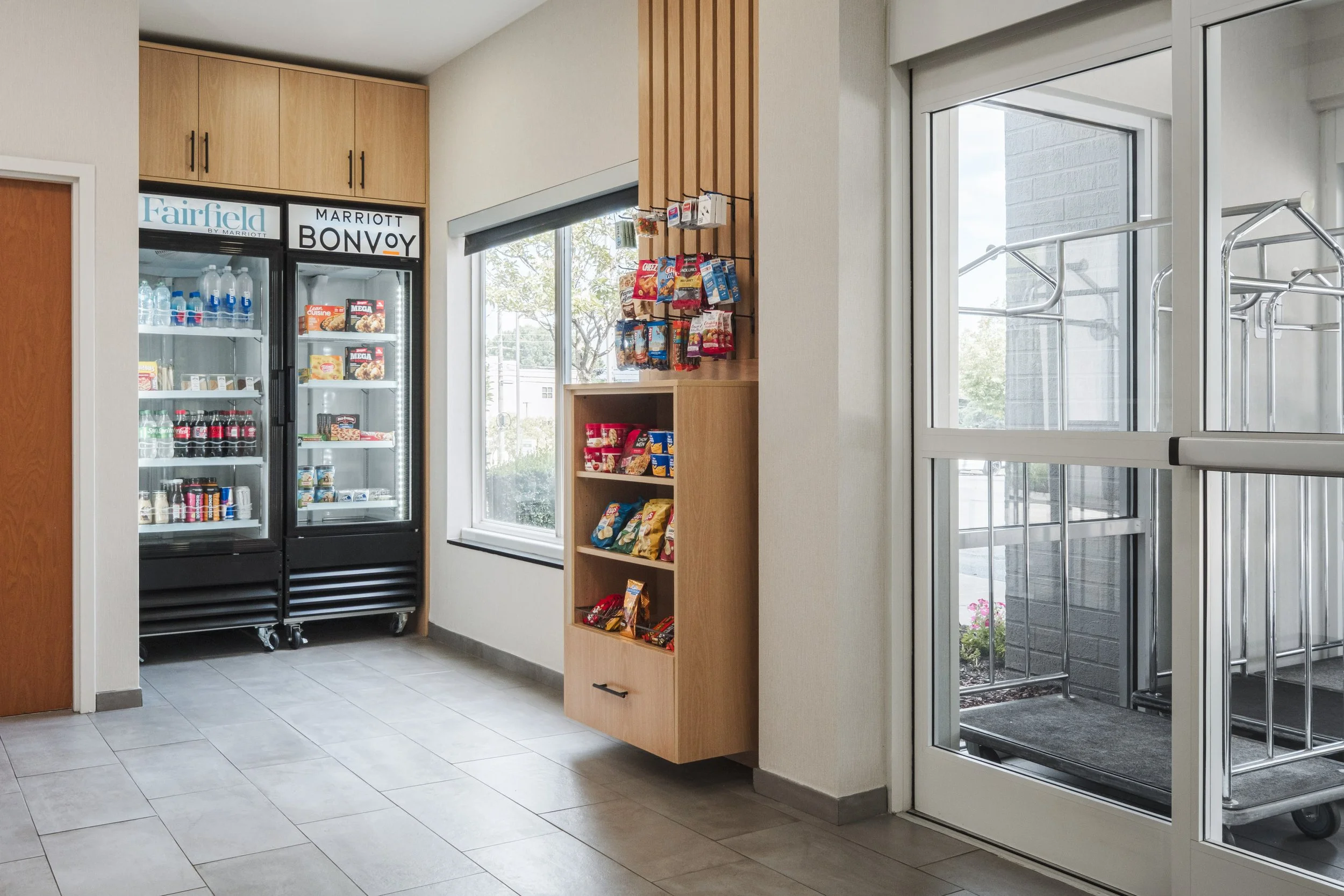
CHACL_4_Fairfield_market.jpg
Dining:
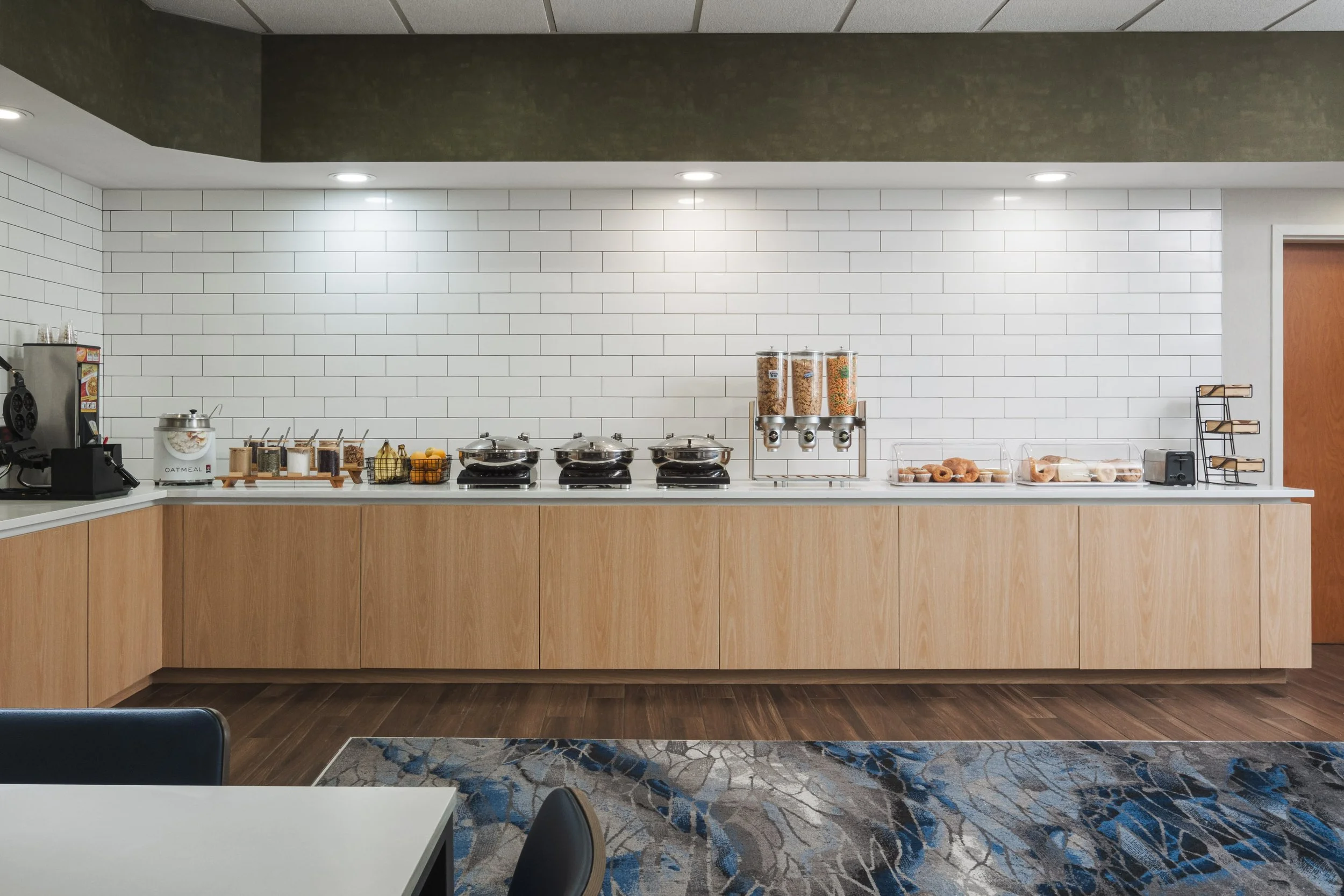
CHACL_7_Fairfield_breakfastbar.jpg
CHACL_8_Fairfield_diningroom.jpg
Business Center:
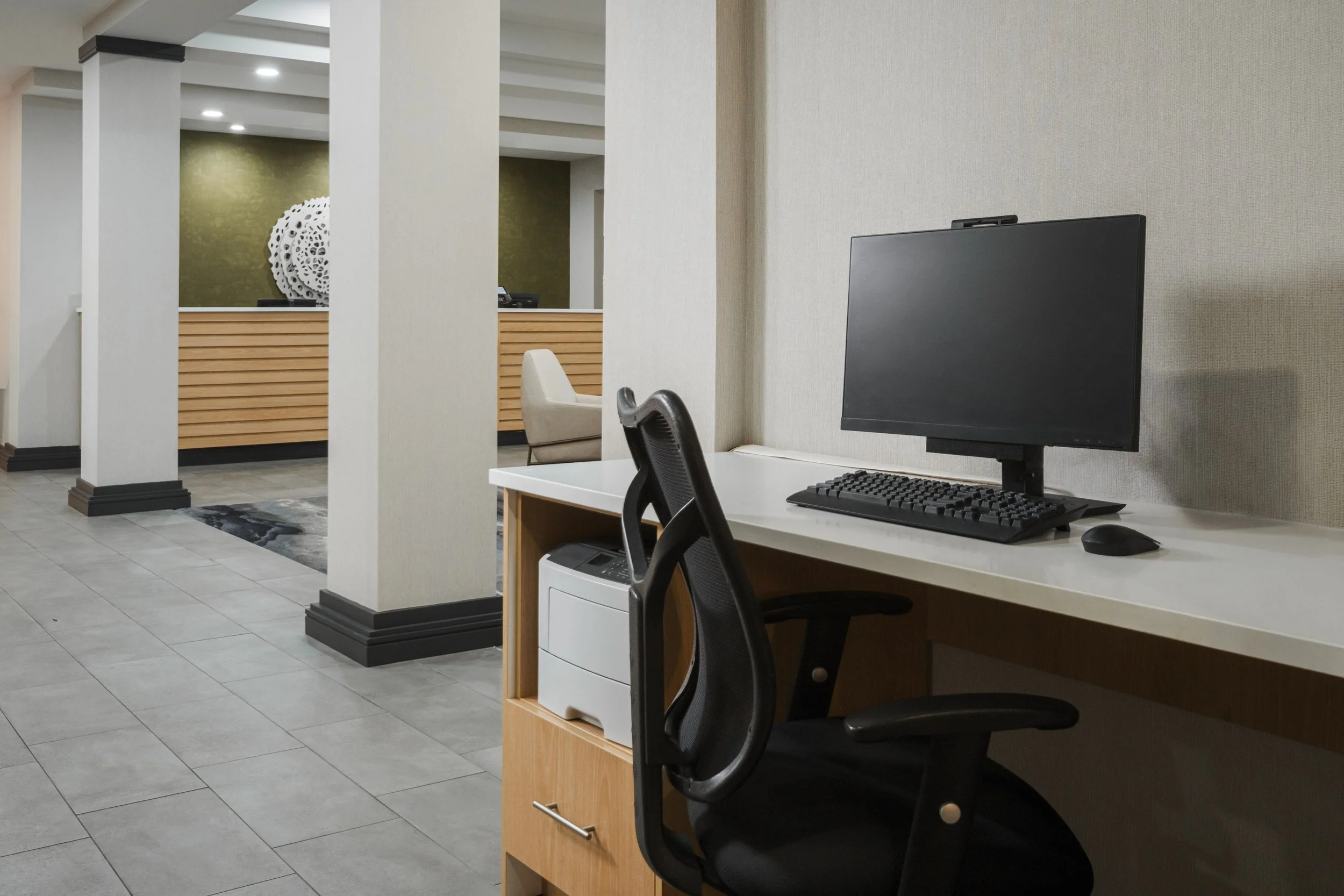
CHACL_9_Fairfield_computerprinter.jpg
Events & Meetings:
CHACL_10_Fairfield_conference_banquet.jpg
CHACL_11_Fairfield_conference_meetingtable.jpg
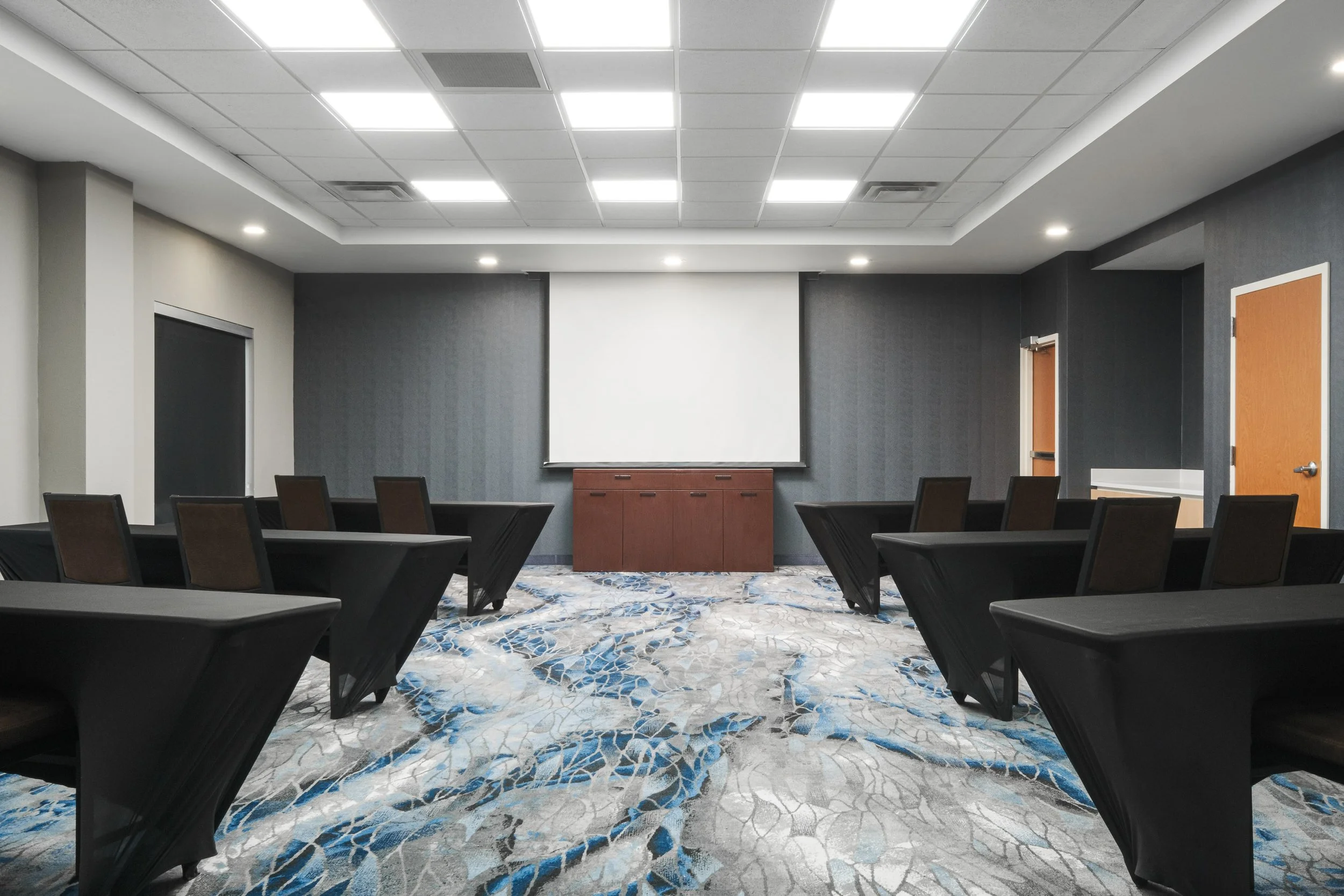
CHACL_12_Fairfield_conference_classroom.jpg
Recreation & Fitness:
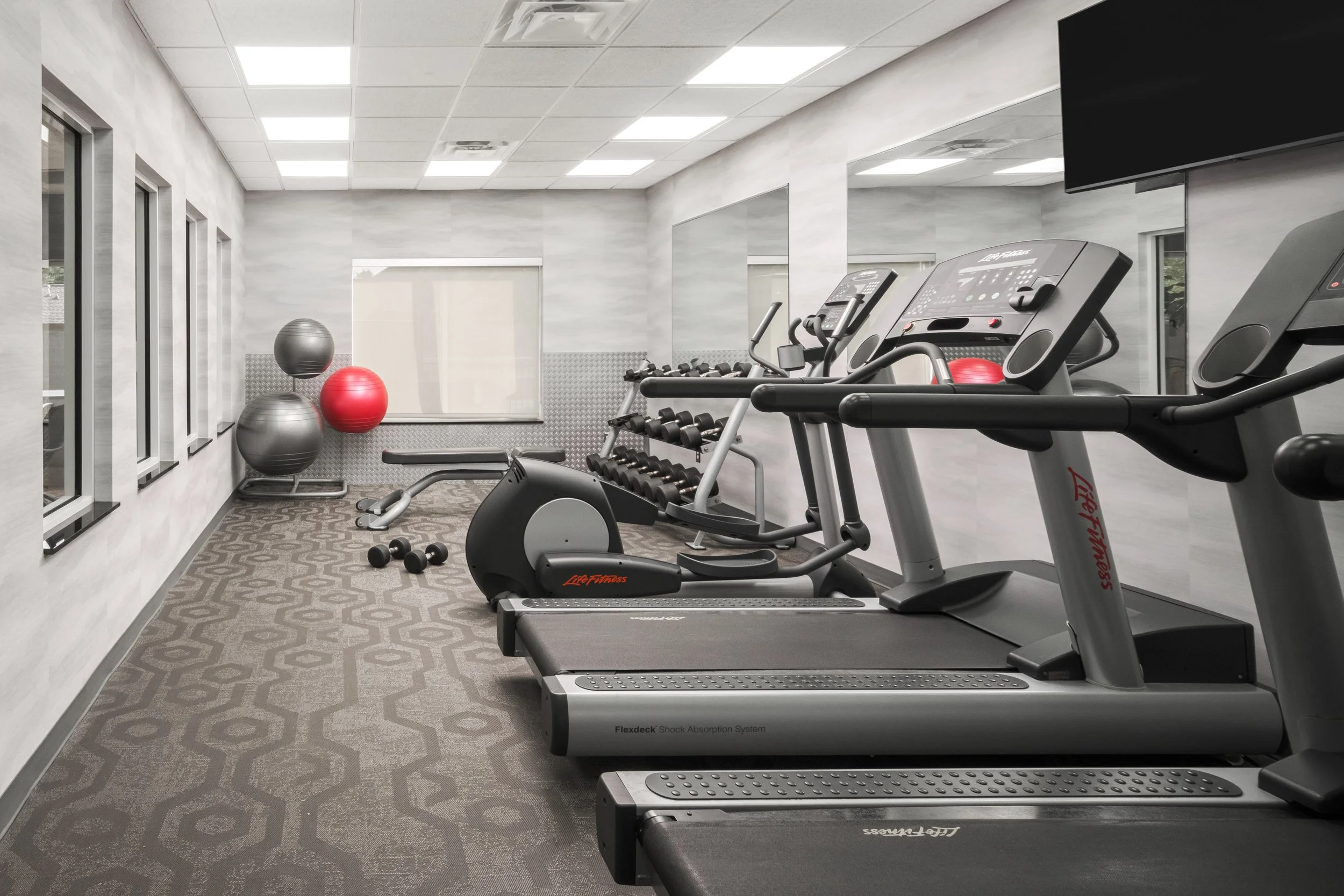
CHACL_13_Fairfield_fitness.jpg
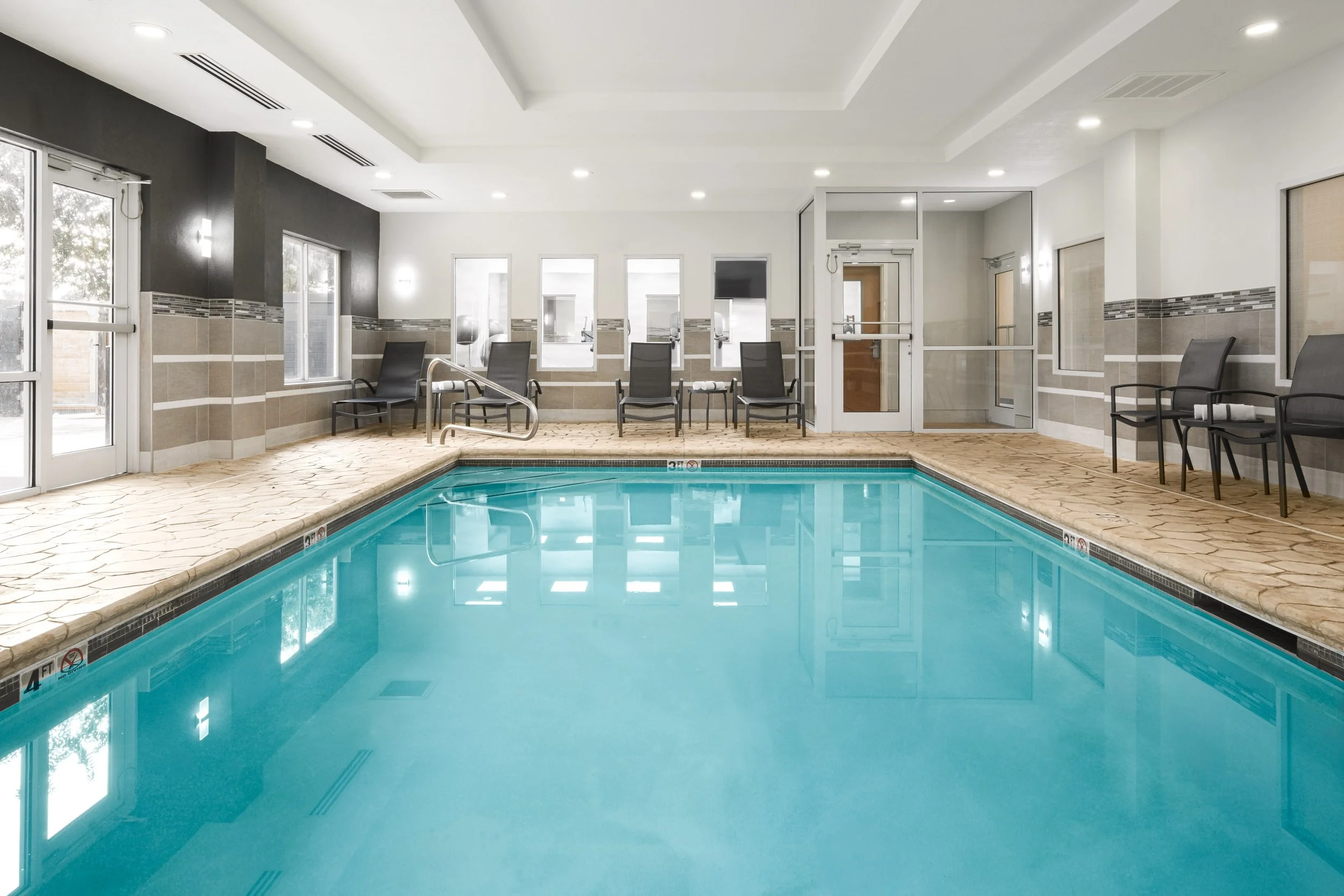
CHACL_14_Fairfield_indoorpool.jpg
Outdoor Features:
CHACL_15_Fairfield_outdoorseating_koipond.jpg
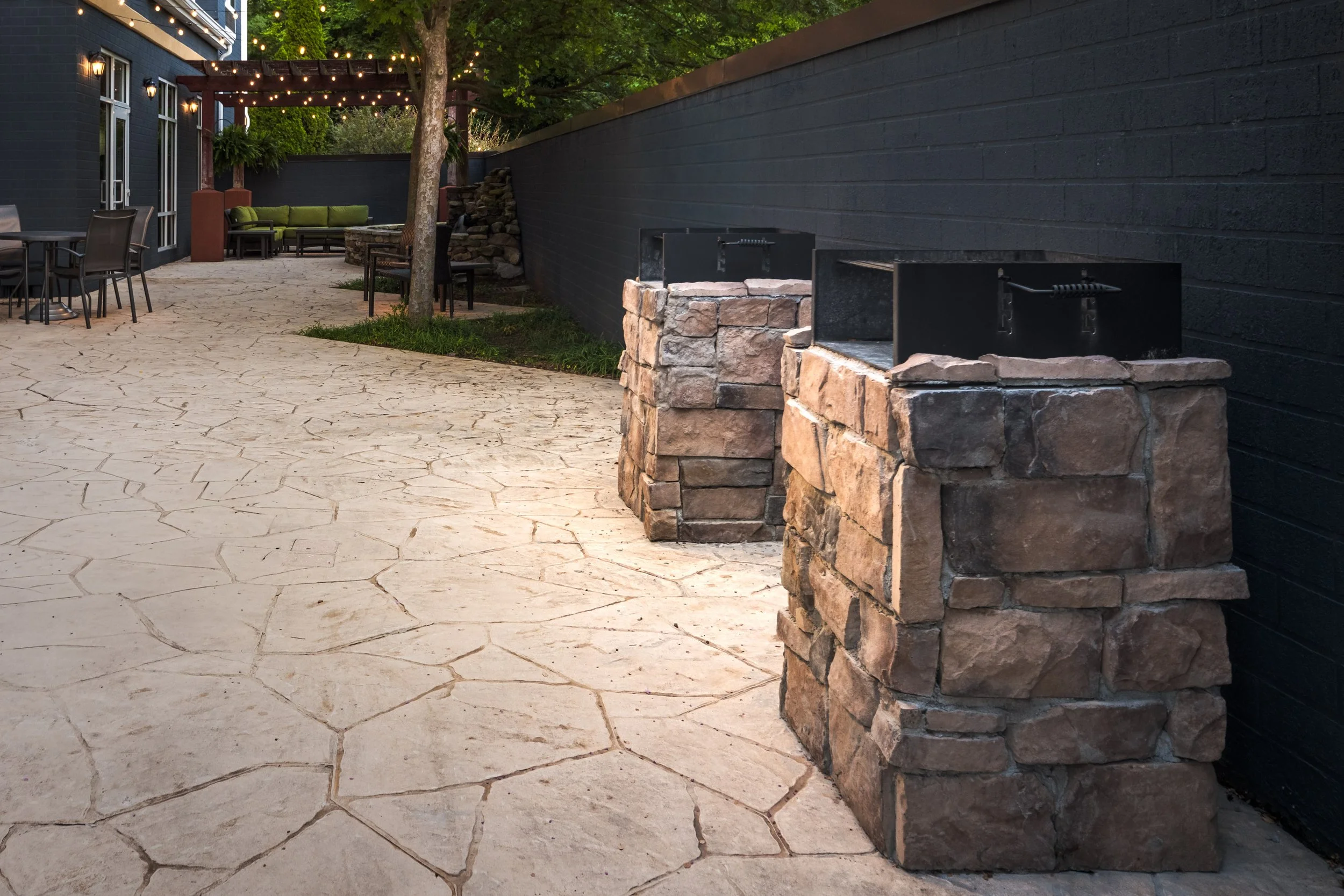
CHACL_16_Fairfield_charcoalgrills.jpg
Image Metadata
Use the image and ORIGINAL FILENAME to confirm the correct asset in MDAC. Then copy or reference the fields beneath that image.
For fields that say “Search in DAC for:”, search the recommended term and choose the closest available option.
Final Step
After all image details have been completed and saved, return to Marriott’s property-side upload instructions for final approval and submission.
If something does not appear to match, please reach out before submitting the assets.
We want these images to launch with clarity and momentum, and we’re happy to help your team get them across the finish line.